Skip to content
Fanga IPTV

Activate your TV

Three paths lead to the same place. Pick the one that suits you.

By QR, from the TV

  1. On the TV, open “Activate FANGA”. A QR code appears.
  2. Scan it with your phone: the payment page opens, already linked to this TV.
  3. Choose the plan, then Orange Money, Moov Money or card.
  4. Once payment is confirmed, the TV activates itself.
With an SMS code

  1. For another TV, or if the QR code has expired.
  2. On the TV: Activation › “I have an SMS code”.
  3. Type the code received by SMS after payment.

Through a reseller

  1. For any TV, especially if you installed Fanga from a store.
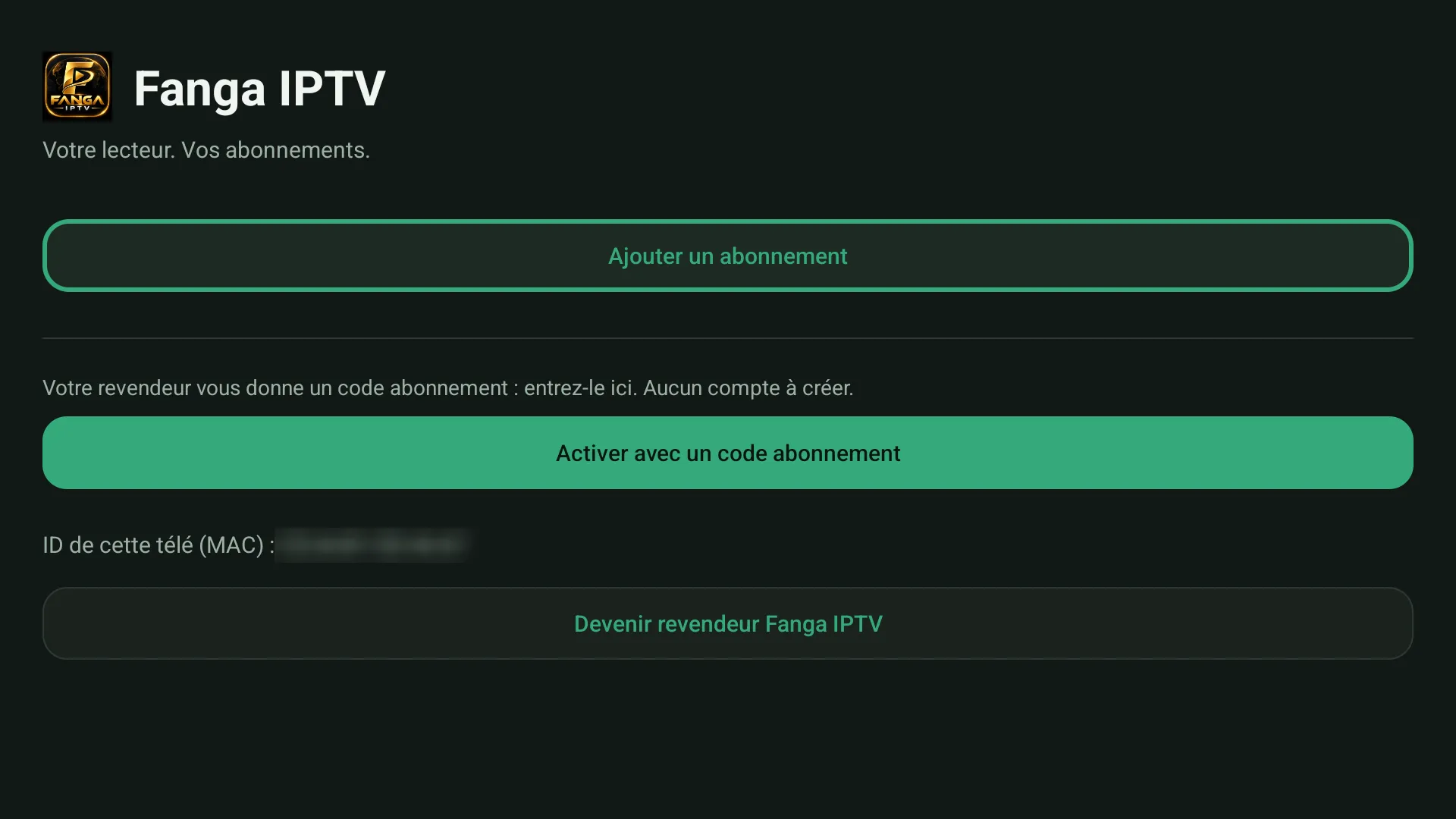
  2. Give them your TV’s ID (MAC), shown on Fanga’s home screen.
  3. They activate the TV in one step.

The three codes, not to be confused

Subscription code
6 characters, given by your reseller: it fills the TV with your subscription.
FANGA code
The player licence, after the trial.
SMS code
Received after a payment, to activate a TV without a QR code.
The home screen on first launch: add a subscription, or activate with a code.