
Live TV with preview
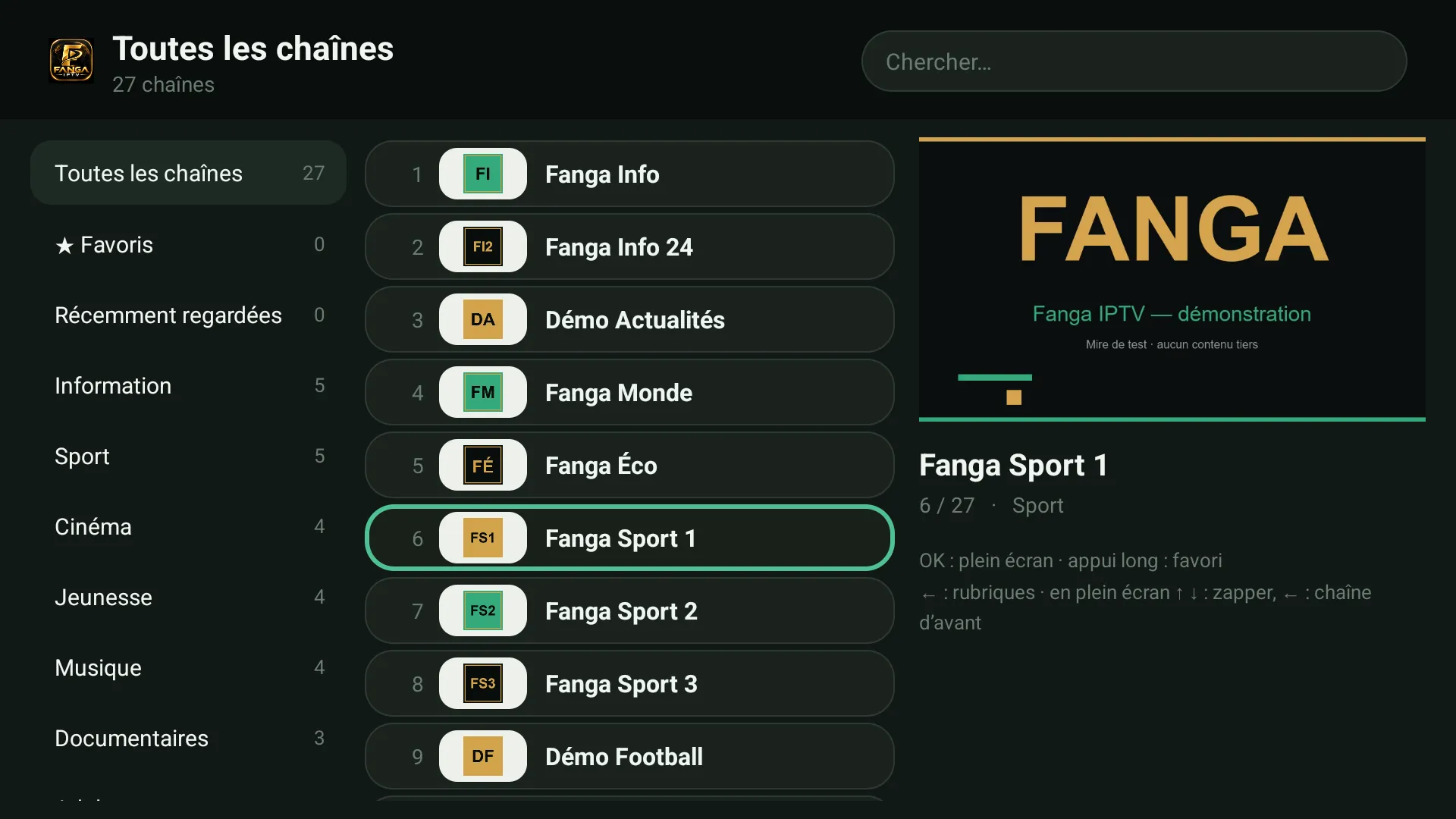
Categories on the left, numbered channels in the middle, a preview of the selected channel on the right.
IPTV player · Xtream Codes · M3U
An IPTV player on Android, Fire TV, Roku, iPhone and browser. You add your own subscription: Fanga provides none and includes no channels.
7Free 7-day trial on every TV, then a lifetime player licence from 8 USD, for the number of TVs in the plan.
The APK on your phone, Android TV or box. Or nothing at all: the web player opens in the browser.
Xtream Codes server, username and password, or the address of your M3U playlist.
The player shows what your own subscription contains. Without a subscription, it stays empty.
Categories on the left, numbered channels in the middle, a preview of the selected channel on the right.
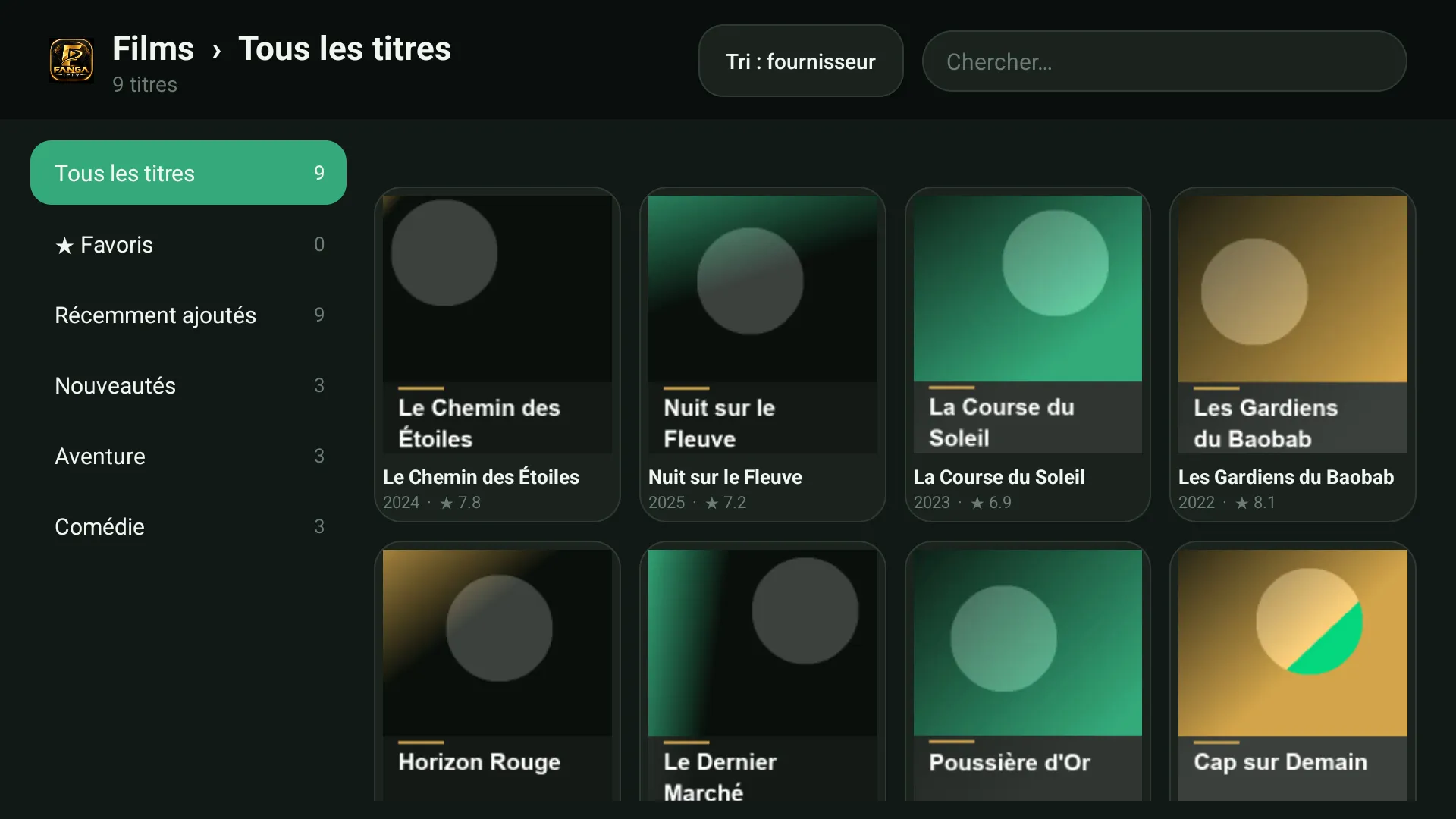
When your subscription includes them: poster shelves, sorting, seasons and episodes, title details.
Your channels within remote reach, kept apart.
Across your provider’s whole catalogue: channels, movies and series.
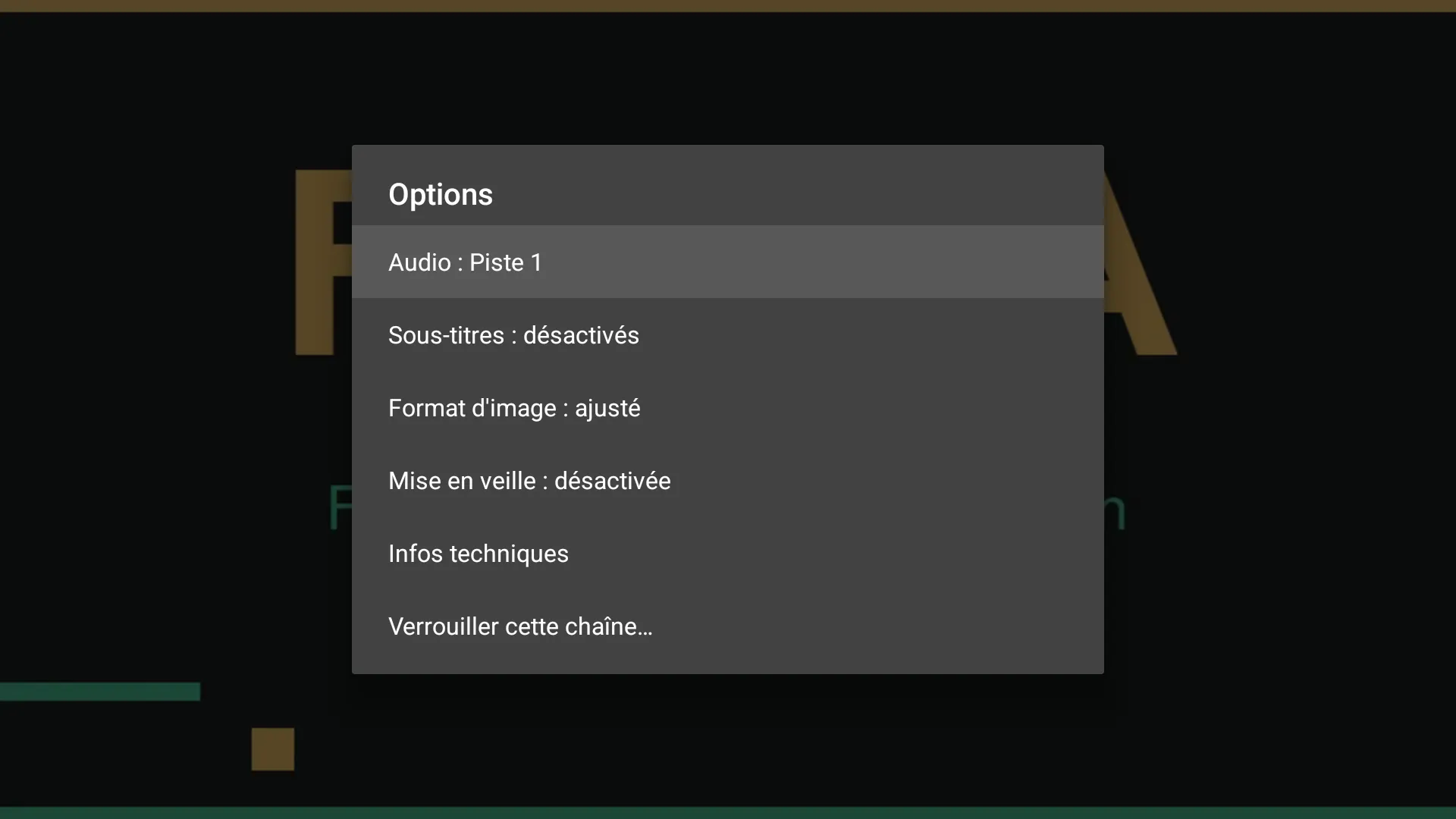
A 4-digit code locks adult categories and whatever you choose. Forgot it: Fanga support or your point of sale has a recovery code.
“Subscription expired”, “the provider refuses (code 555)”, “invalid address”: never a silent screen.
Fanga IPTV is published on Google Play. The APK from this site also installs, on Android 5 to 16.
Android TV, Google TV, Android boxes: install the APK from this site. Everything works with the remote; if the box has no browser, use a USB stick.
In the Amazon Appstore, under the name “Fanga Player”.
The Fanga IPTV channel is in the Roku Channel Store: search for “Fanga IPTV” on your Roku, or add it with code 52N9DPP at my.roku.com/add/52N9DPP.
The web player opens in the browser. On iPhone and iPad, you add it to the Home Screen from Safari.
After the 7-day trial, the player asks for a FANGA licence, valid for life for the number of TVs in the plan.
See pricing